

Your neighbourhood's offers,the moment they land
Pick your city and follow the shops around you. The moment a new offer lands, you hear about it first.

Inside the app
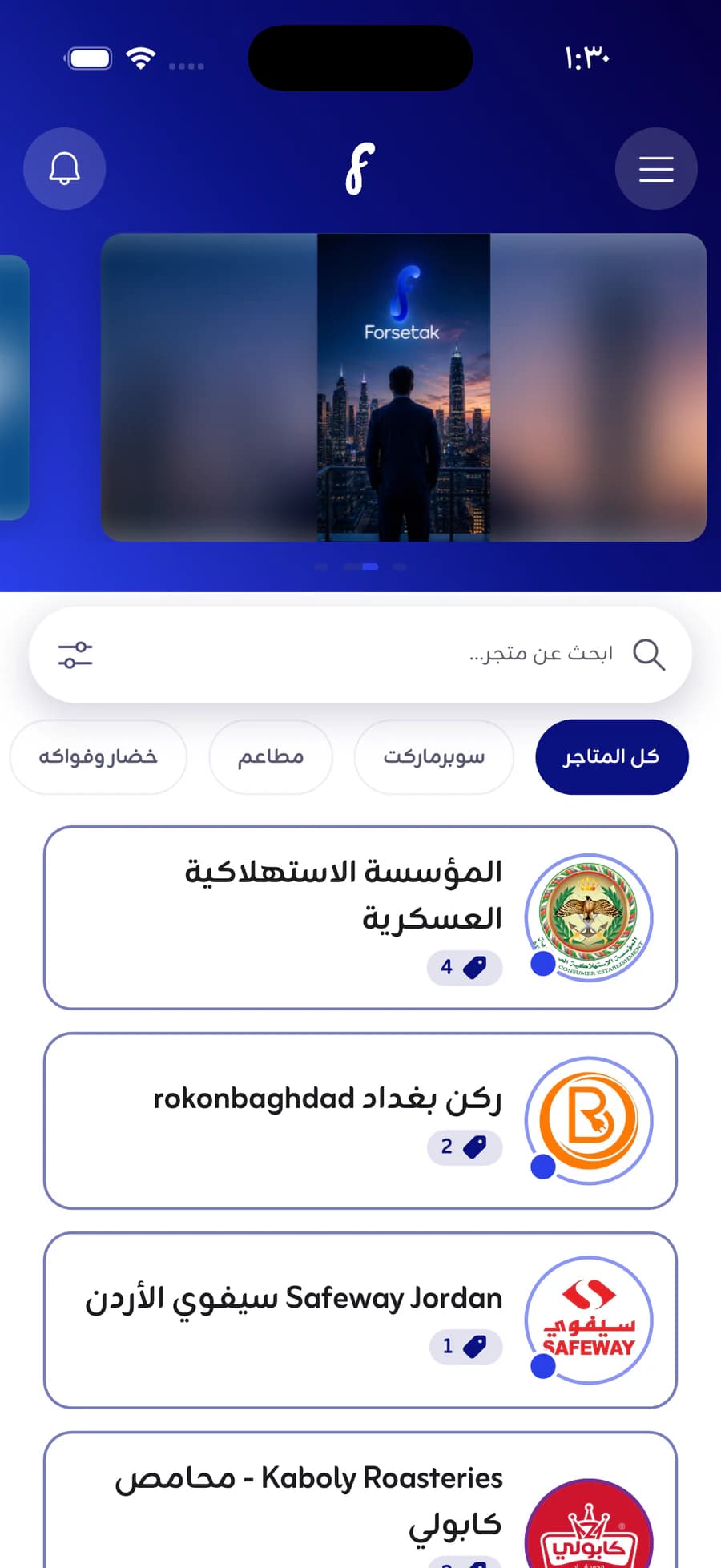
Your city's offers, one tap away
Browse what's on today, and open any offer for the detail.
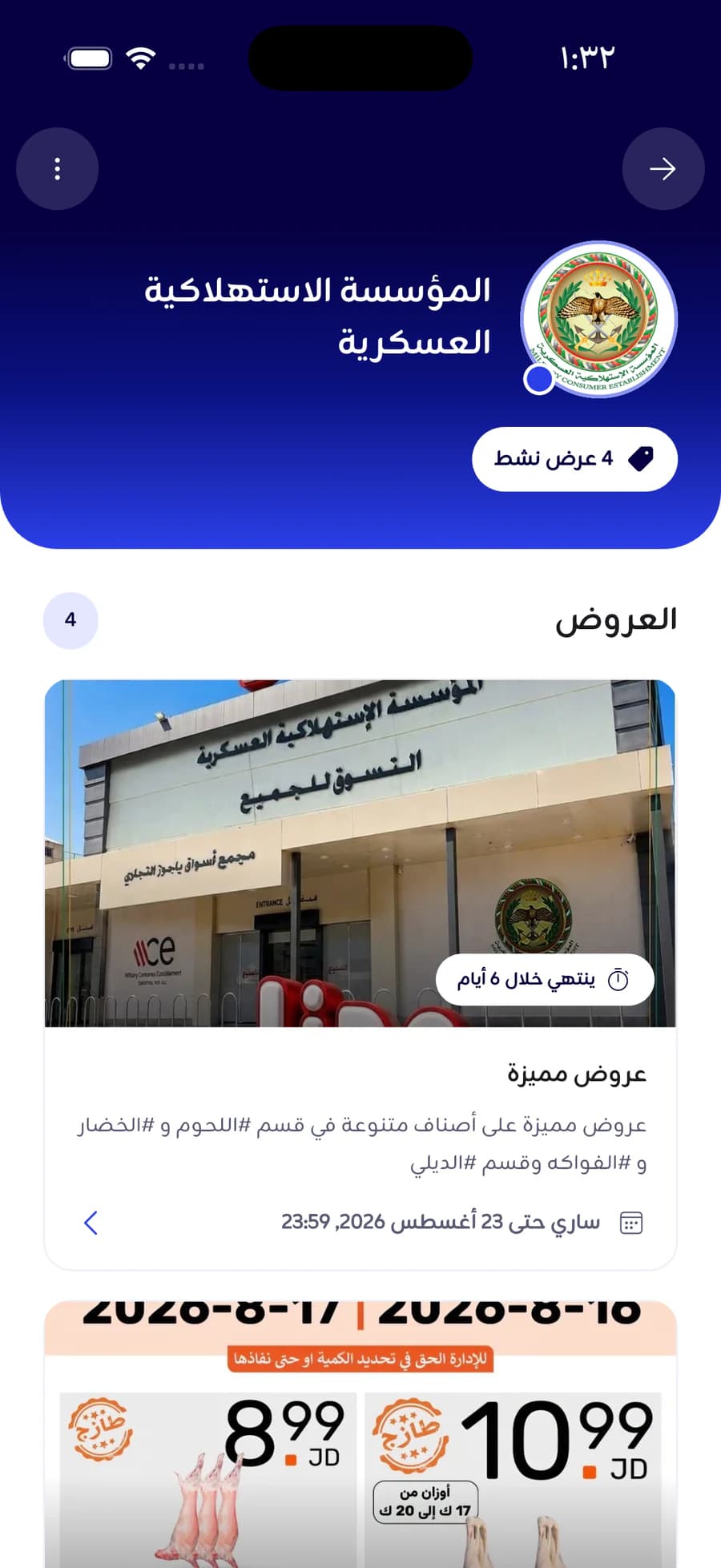
Today's offers
Everything running right now, each one with its shop and how long is left.
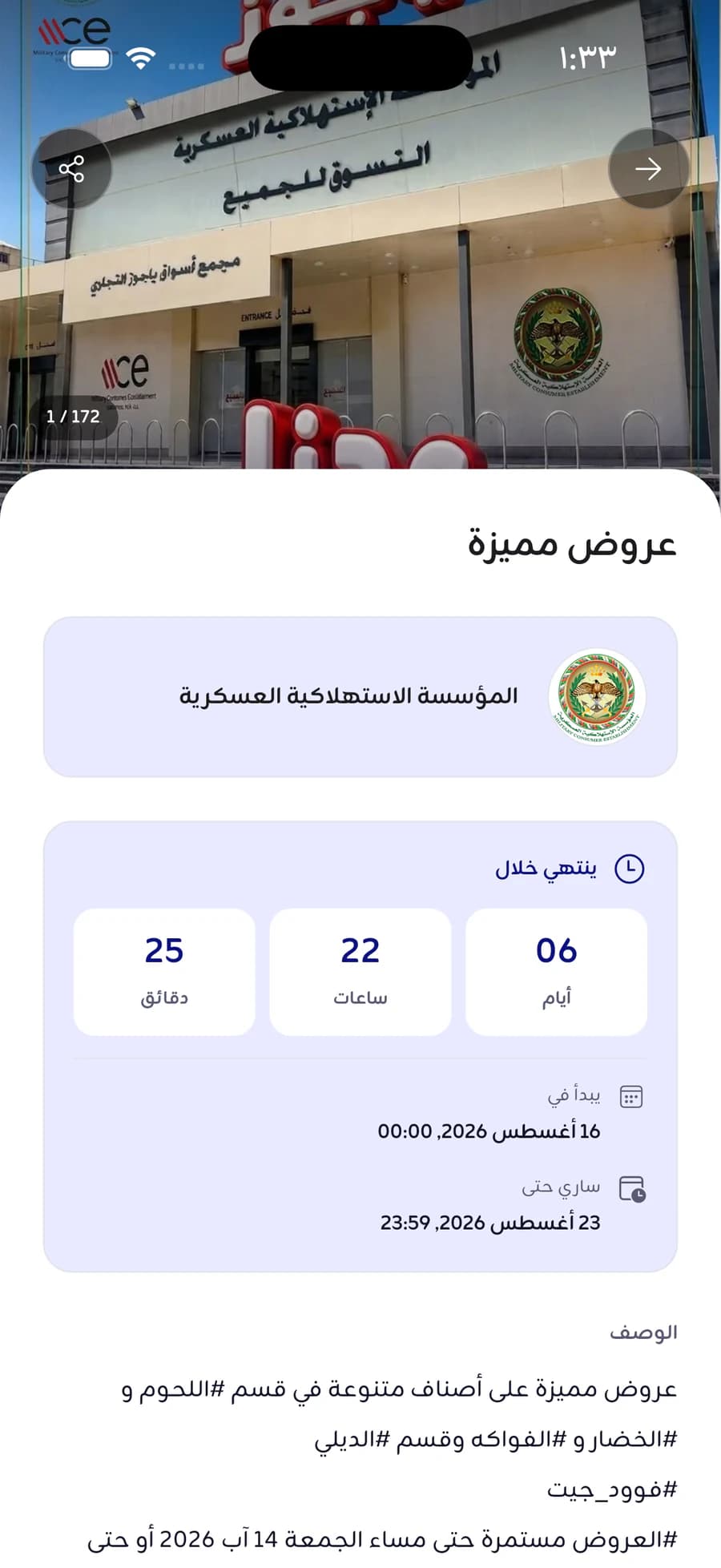
The offer
The picture, the price, the time left, and the way to the shop.
More of the app
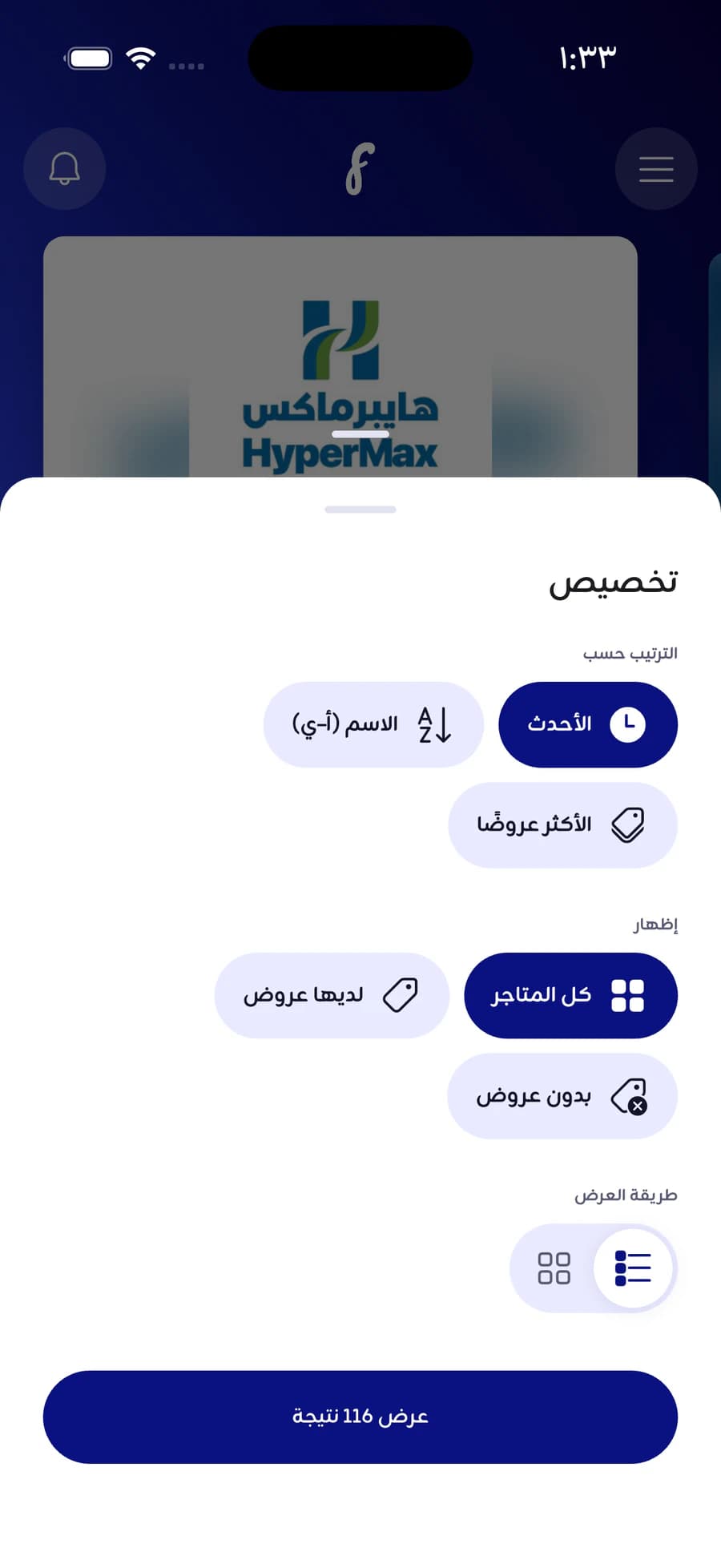
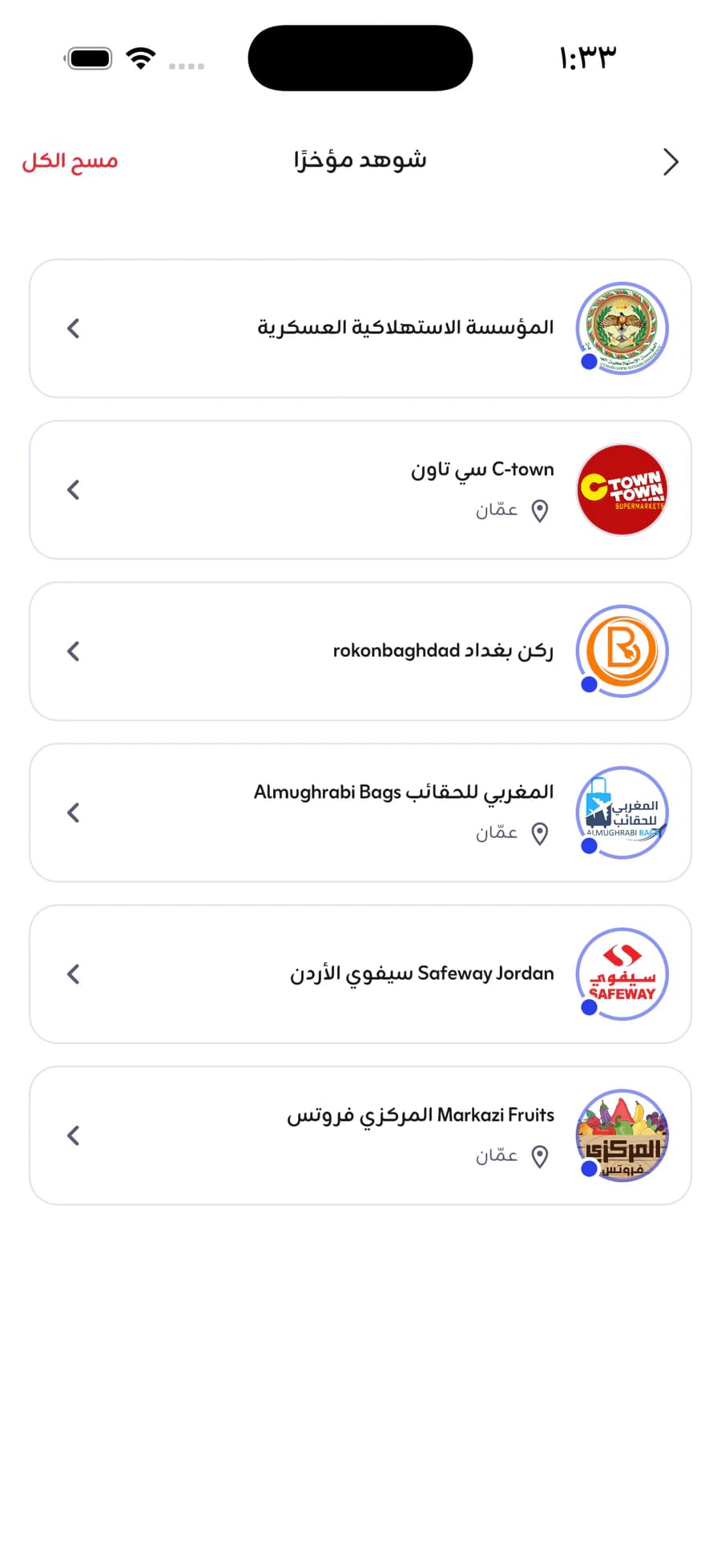
How it starts
Three steps, one minute
From install to your first offer, under a minute.
Download the app
Sign in with your phone number and a verification code, no password.
Pick your city
Amman, Irbid, Zarqa… we show you your city's shops only.
Start browsing
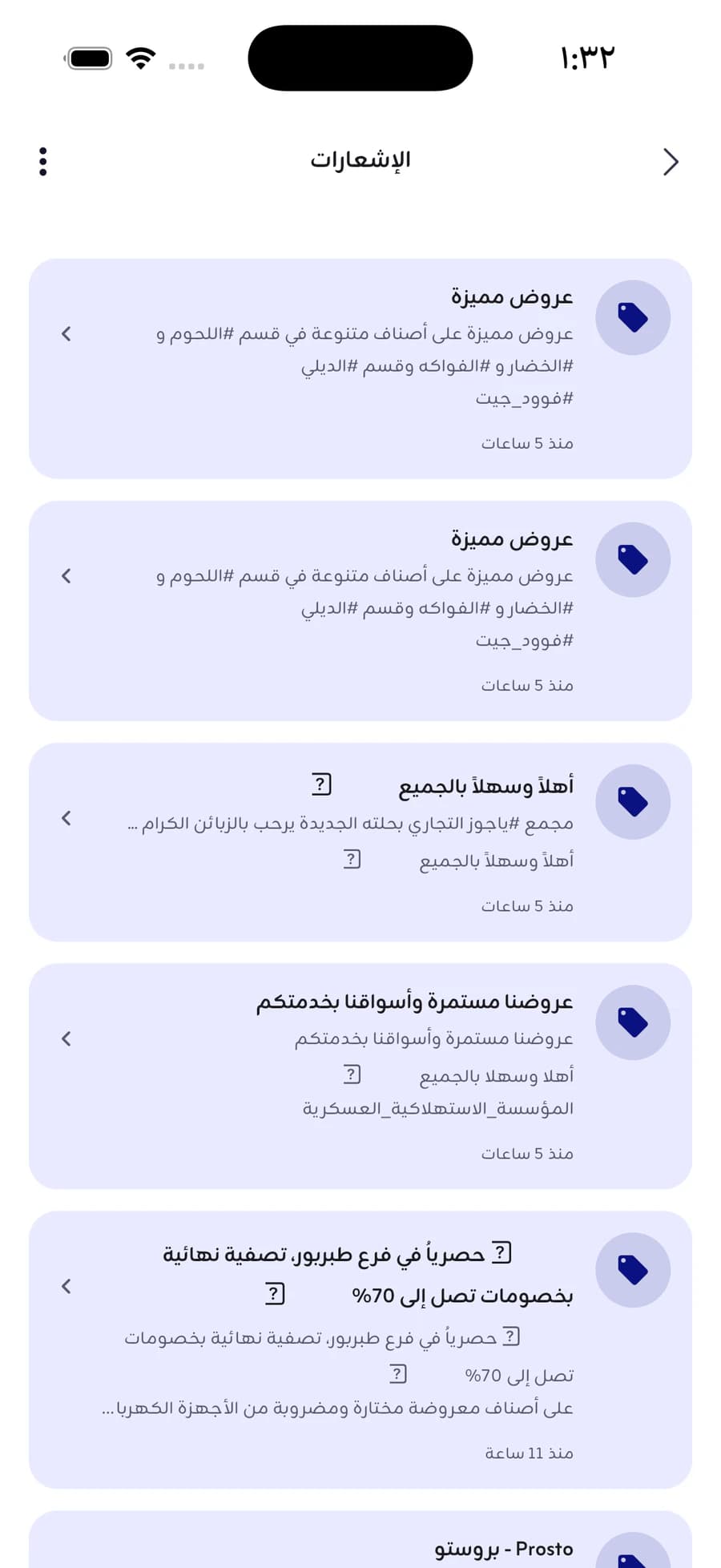
See today's offers, and let us tell you when a new one lands.
Common questions
Before you install it
- How do I know an offer is still on?
- Every offer carries its end date and a live countdown in the app, kept current by the shop itself. When it ends, it leaves the list.
- Which cities does it cover?
- Amman, Irbid, Zarqa and Aqaba today, with new cities as their shops join.
- Where do the offers come from?
- The shop publishes its own offer and sets its own price and dates. Our part is getting it to you the moment it lands, we don't touch the price.
- How do I sign in?
- With your phone number and a code we send to it, no password. Your notifications and your hidden shops belong to your account.
- When is the iPhone version out?
- Android is available now and the iPhone build is in review. Its button appears here the moment it ships.
- What data do you collect?
- Only what the app needs to work; the whole of it is written out in the privacy policy. Read the privacy policy
Your chance, in your pocket
Get the app and follow your city's offers as they happen.